Dokmee DMS2.2.2
Publisher Description
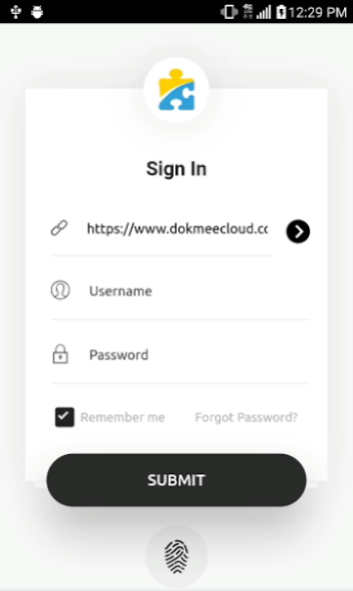
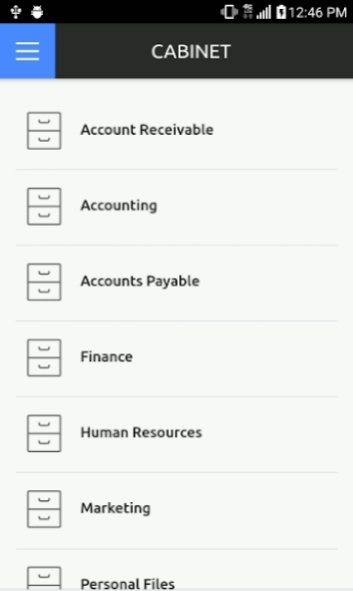
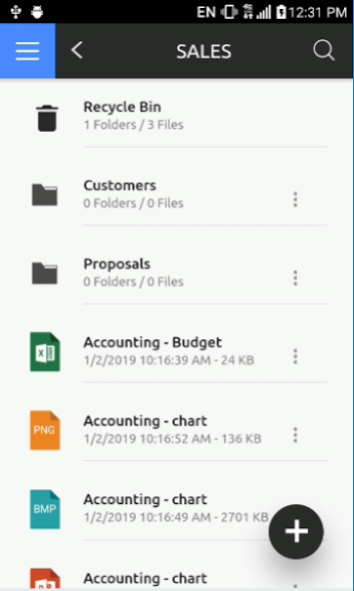
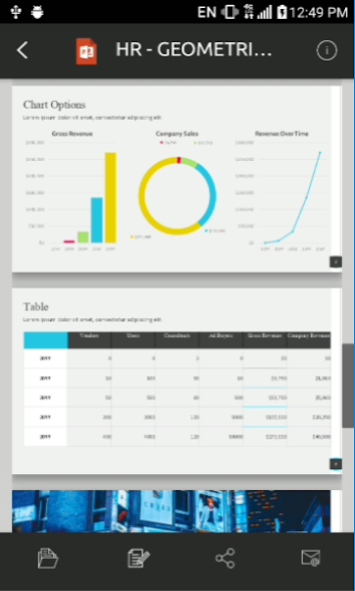
Dokmee Document Management Software: On-the-go access to your electronic file cabinet system at the touch of your finger.
• Key Features: Security, File Storage, Search & Retrieval, Integrated Viewer, Mobile Uploads, Multi-lingual Interface
• Security: encrypted user login, file access management, audit log, file encryption.
• File Storage: Store and manage any file type. View index data, file information, file notes, and version history for all files.
• Search & Retrieval: Search by specified keywords and indexes or browse file cabinets and folders.
• Integrated Viewer: pdf, tiff, jpeg, bitmap, png, gif, and Microsoft Office.
• Mobile Uploads: Take photos or browse image library to upload important business and personal documents.
• Multi-lingual Interface: English, Spanish, French, Portuguese, Arabic, Chinese -Simplified, Chinese - Traditional, Japanese, Bahasa Indonesia, Bahasa Malaysia, Thai, vietnamese and Farsi.
About Dokmee DMS
The company that develops Dokmee DMS is Office Gemini, LLC. The latest version released by its developer is 2.2.2.
To install Dokmee DMS on your Android device, just click the green Continue To App button above to start the installation process. The app is listed on our website since 2020-09-30 and was downloaded 29 times. We have already checked if the download link is safe, however for your own protection we recommend that you scan the downloaded app with your antivirus. Your antivirus may detect the Dokmee DMS as malware as malware if the download link to com.officegemini.dokmee.mobile is broken.
How to install Dokmee DMS on your Android device:
- Click on the Continue To App button on our website. This will redirect you to Google Play.
- Once the Dokmee DMS is shown in the Google Play listing of your Android device, you can start its download and installation. Tap on the Install button located below the search bar and to the right of the app icon.
- A pop-up window with the permissions required by Dokmee DMS will be shown. Click on Accept to continue the process.
- Dokmee DMS will be downloaded onto your device, displaying a progress. Once the download completes, the installation will start and you'll get a notification after the installation is finished.
Program Details
System requirements
Download information
Pricing
Version History
version 2.2.2
posted on 2020-09-30
. Added support for Android Pie (API Level 29)
. Sign in with a fingerprint and or face recognition (only with supported devices)
. Pinch zoom in/out; Double tap to zoom out on image files
. Horizontal and vertical continuous scroll options on image files
. New responsive interface
. Sign in URL history list, with the ability to remove unwanted URL's
. Auto language selection based on devices OS
. Change user password
. Index Files; including select list data type
. Restore from Recycle Bin
version 2.2.1
posted on 2019-11-22
. Added support for Android Pie (API Level 28)
. Sign in with a fingerprint and or face recognition (only with supported devices)
. Pinch zoom in/out; Double tap to zoom out on image files
. Horizontal and vertical continuous scroll options on image files
. New responsive interface
. Sign in URL history list, with the ability to remove unwanted URL's
. Auto language selection based on devices OS
. Change user password
. Index Files; including select list data type
. Restore from Recycle Bin
version 2.1
posted on 2019-03-04
. Sign in with a fingerprint and or face recognition (only with supported devices)
. Pinch zoom in/out; Double tap to zoom out on image files
. Horizontal and vertical continuous scroll options on image files
. New responsive interface
. Sign in URL history list, with the ability to remove unwanted URL's
. Auto language selection based on devices OS
. Change user password
. Index Files; including select list data type
. Restore from Recycle Bin
version 1.5
posted on 2015-07-29
Able to delete file and folder,Able to edit index fields,Able to edit file notes,URL history log,Default Dokmee Cloud URL,Upload with compression mode,Easy access to emailing file,New file icons,Forgot password
